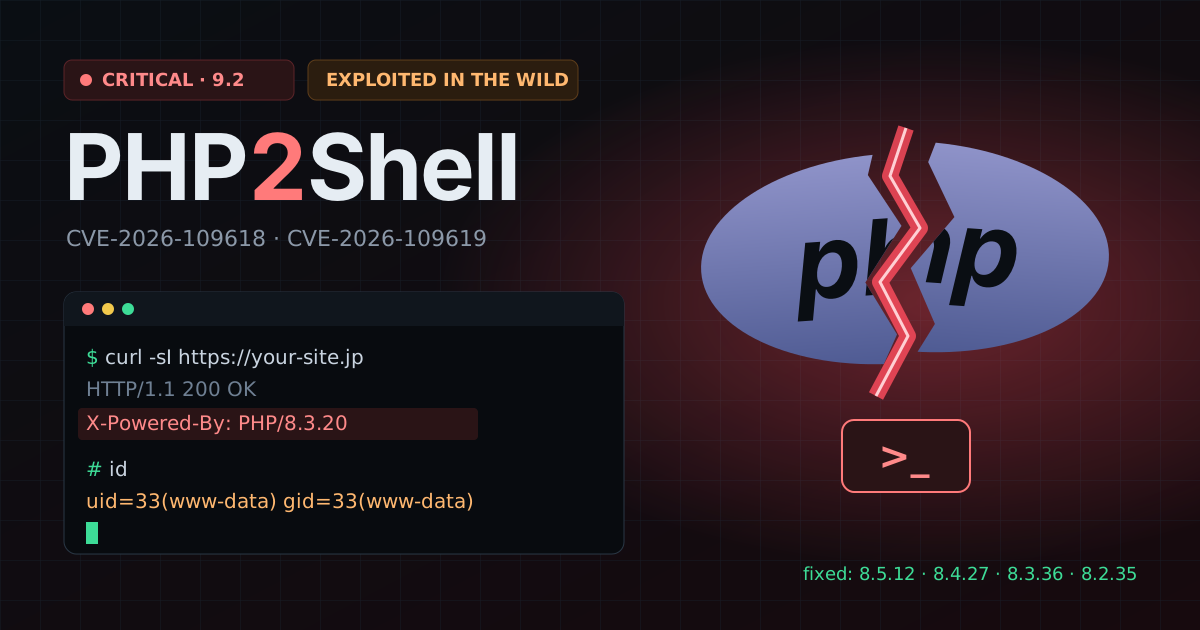
What is PHP2Shell?
PHP2Shell is the name given to two remote-code-execution flaws in PHP core, published with emergency releases on 21 October 2026. Both are rated CVSS v4.0 9.2. Because the bug lives in the PHP engine, every framework and CMS on top of it — WordPress, Laravel, EC-CUBE, Drupal, custom code — inherits it.
- CVE-2026-109618 — an out-of-memory condition while PHP sets up a request (multipart parsing) leaves internal data half-initialised; cleanup then trusts it. PHP reports unauthenticated RCE against Apache
mod_php, before the application's own code runs. - CVE-2026-109619 — request-owned internal state outlives the memory it points to, so the next request on the same worker acts on stale data. Confirmed paths include session upload progress after a fatal error and the PHP 8.5 fatal-error backtrace.
Details leaked a day before the release and exploitation was observed within hours. Japan's National Cybersecurity Office urged operators to update immediately.
Affected versions
| Branch | Affected | Fixed in |
|---|---|---|
8.5 | < 8.5.12 | 8.5.12 |
8.4 | < 8.4.27 | 8.4.27 |
8.3 | < 8.3.36 | 8.3.36 |
8.2 | < 8.2.35 | 8.2.35 |
8.1 · 8.0 · 7.4 | All versions | No official release (vendor backports only) |
7.3 · 5.x | All versions | — |
All SAPIs that serve web traffic are in scope: PHP-FPM, Apache mod_php (highest risk), php-cgi, LiteSpeed and FrankenPHP.
How this checker works
Watchpost sends a few ordinary GET requests — the page you enter (your homepage by default), its redirects and index.php — and reads the PHP version the server already announces in X-Powered-By or Server. It compares that version with the fixed release of its branch. No exploit traffic is ever sent.
- Hidden version ≠ safe. Most servers set
expose_php = Offor sit behind a CDN that strips the header. We then look further: a forgottenphpinfo()page (/info.php,/phpinfo.php…) gives the exact version, and aServerbanner such asApache/2.4.41 (Ubuntu)pins the OS and the PHP it ships. If PHP is present but nothing confirms the fix, we warn you to treat the site as vulnerable until you check on the server. - Distribution builds (e.g.
8.3.6-0ubuntu0.24.04.13) carry fixes without changing the upstream number. We recognise the known Ubuntu fixes; for others, check your vendor's notice. - Results are cached for 10 minutes per domain, so after patching you can re-check shortly after.
Check it yourself
# 1. What the site announces to the world
curl -sI https://your-site.example | grep -iE '^(x-powered-by|server):'

# 2. On the server (CLI and the web SAPI can differ!)
php -v
php-fpm8.3 -v        # or: php-fpm -v / httpd -M | grep php

# 3. Distribution package (Ubuntu / Debian / RHEL)
dpkg -l | grep -E '^ii +php[0-9.]*-(common|fpm|cli)'
rpm -q php php-fpm
The version that matters is the one the web server runs (FPM or mod_php), not necessarily php -v on the command line.
How to fix
- Update PHP to 8.5.12, 8.4.27, 8.3.36 or 8.2.35 — or your distribution's patched package (Ubuntu 24.04:
8.3.6-0ubuntu0.24.04.13, Ubuntu 22.04:8.1.2-1ubuntu2.28, Debian 13:8.4.27-1~deb13u1). - Restart every PHP worker. Old FPM workers keep running the vulnerable binary until restarted:
sudo systemctl restart php8.3-fpm # every FPM pool / version you run sudo systemctl restart apache2 # mod_php: restart Apache itself (httpd on RHEL) - Shared hosting: ask your host whether their PHP (cPanel EA-PHP, CloudLinux alt-php…) has the backport, or switch the site to a patched version in the control panel.
- On 8.1 or older: plan an upgrade to 8.2+; vendor backports only buy time.
- After patching, set
expose_php = Offso you stop advertising your version.
If you can't patch tonight
PHP states that no configuration change fully mitigates these flaws. While you schedule the update:
- Restrict internet access to the server (VPN, IP allow-list, maintenance page at the CDN). Prioritise Apache
mod_phpservers. - Set
session.upload_progress.enabled = 0, and on PHP 8.5fatal_error_backtraces = 0. These close specific known paths only. - Watch for new PHP files, unexpected processes spawned by the web user, and outbound connections from the server.
Sources
This checker answers one question. A free scan checks 50+ other things anyone can see — exposed files, leaked keys, TLS, headers, DNS — and verifying your domain unlocks 200+ deeper checks.
Run a full scan